Barcode Scanner
Werbung
Bildschirmfotos
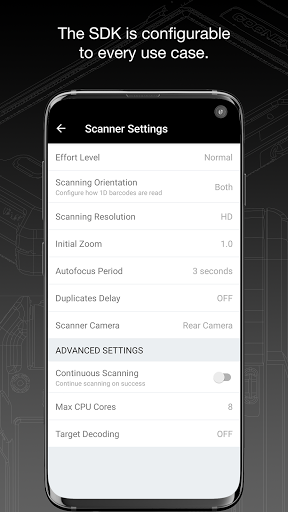
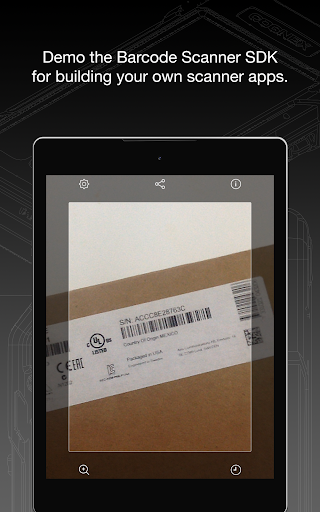
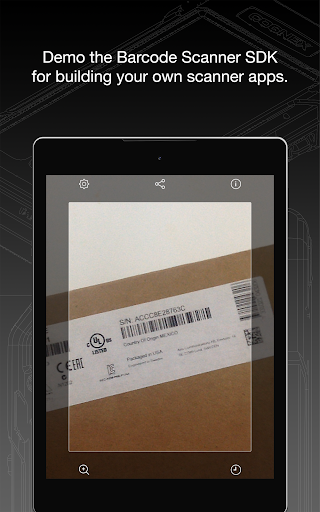
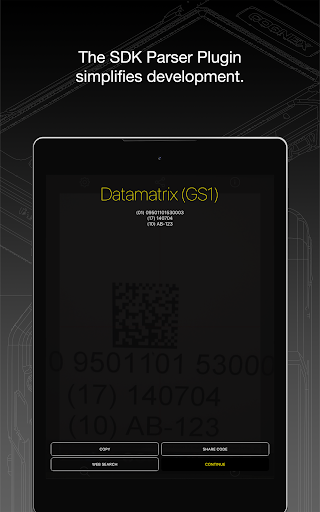
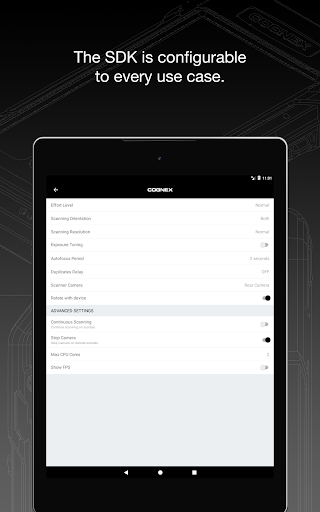
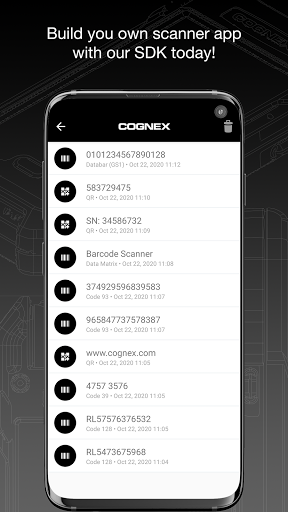
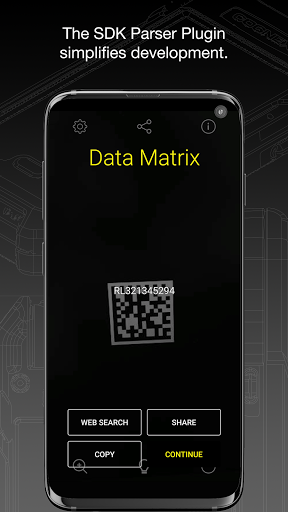
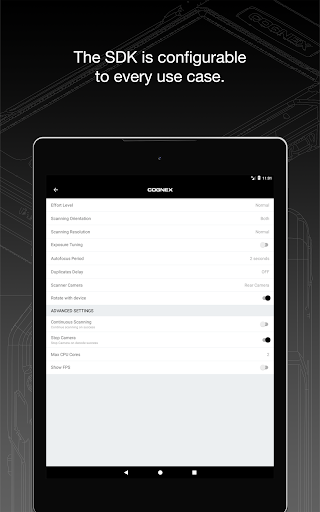
Übersicht
Beschreibung der App Screen Mirroring + für Fire TV
Entdecken Sie die leistungsstarke Lösung zur Bildschirmspiegelung mit Screen Mirroring + für Fire TV. Mit dieser innovativen App können Sie Ihren Smartphone- oder Tablet-Bildschirm in Echtzeit in hoher HD-Qualität direkt auf Ihren Fire TV, Fire TV Stick, Fire TV Cube oder kompatible Smart TVs wie Insignia oder Toshiba spiegeln. Die Anwendung ist äußerst benutzerfreundlich und bietet eine Vielzahl von Funktionen, die das Teilen Ihrer Inhalte zum Kinderspiel machen.
Nahtlose Bildschirmübertragung in hoher Qualität
Dank der fortschrittlichen Technologie können Sie Fotos, Videos, Spiele, Websites, Apps, Präsentationen und Dokumente ohne Verzögerung mit Freunden und Familie teilen. Die Synchronisation in Echtzeit garantiert, dass alles genau so angezeigt wird, wie Sie es auf Ihrem Gerät sehen. Das macht die App ideal für Unterhaltungs-, Arbeits- und Bildungskontexte.
Vorteile gegenüber integrierter Fire TV Spiegelung
Im Vergleich zur nativen Miracast-basierten Bildschirmfreigabe von Fire TV bietet Screen Mirroring + eine verbesserte Bildqualität, stabilere Verbindung und eine einfachere Einrichtung. Es ist die perfekte Wahl für Nutzer, die eine zuverlässige und hochwertige Bildschirmspiegelung suchen.
Geräteunterstützung und einfache Einrichtung
Die App unterstützt alle Android-Geräte ab Version 5.0, sowie alle Modelle von Fire TV, darunter Sticks, Boxen und Fernseher. Die Einrichtung ist super einfach und einheitlich, sodass keine Änderungen an WLAN- oder Android-Einstellungen erforderlich sind. Für optimale Leistung sollten Nutzer ein gutes WLAN-Netzwerk verwenden, wobei 5-GHz-WLAN empfohlen wird.
Ein weiterer Vorteil ist, dass der Sound ab Android 10+ ebenfalls unterstützt wird, sodass Sie auch Ihre Audioinhalte problemlos spiegeln können.
Optimale Nutzung und Support
Um die beste Leistung zu erzielen, stellen Sie sicher, dass Ihr Gerät und Ihr WLAN-Netzwerk optimal verbunden sind. Für Unterstützung, Feedback oder Fragen steht Ihnen der Support per E-Mail unter info@screenmirroring.app zur Verfügung. Dieses Produkt wird von den Entwicklern von VIDEO & TV CAST präsentiert, einer weltweit führenden Videocasting-App mit über 100 Millionen Downloads auf verschiedenen Plattformen.
Hinweis zum Markenrecht
Haftungsausschluss: Diese App ist mit keiner der genannten Marken verbunden und wurde nicht von Amazon entwickelt oder unterstützt.
Top empfohlene Alternative
Vorteile und Nachteile
Vorteile
- Fast and precise scanning
- Intuitive and easy-to-use interface
- Supports various barcode formats
- Does not require unnecessary permissions
- Functional offline
Nachteile
- Contains advertisements
- Limited customer support
- Occasional scanning inaccuracies
- Lacks cloud backup options
- User interface may appear outdated
Werbung
Barcode Scanner herunterladen

FAQ
What is the main function of the Barcode Scanner app?+
Is the Barcode Scanner app free to use?+
How do I ensure the Barcode Scanner app works effectively on my device?+
What types of barcodes can the Barcode Scanner app read?+
Is the Barcode Scanner app safe to use?+
Das könnte Ihnen auch gefallen
Weitere Apps, die Sie als Nächstes ausprobieren können.